
PC Gamer
🎮 Record Gameplay Without Losing FPS: Best Tools and Tips
Juin
Want to record gameplay without losing FPS in 2025? Whether you’re streaming or creating content for YouTube, it’s crucial to capture smooth video without affecting your in-game performance. Here’s how to do it.
🧰 Use the Right Software
✅ 1. OBS Studio (Free & Lightweight)
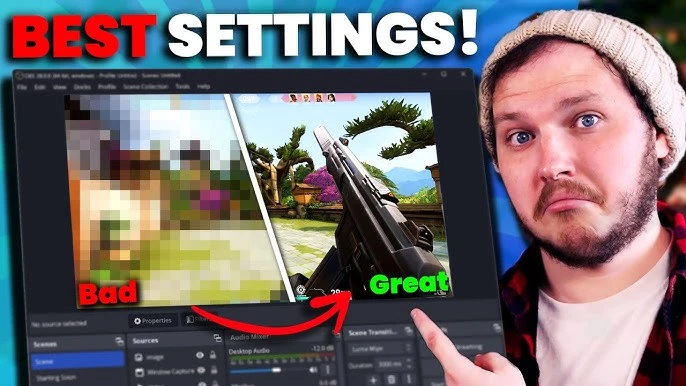
OBS is the gold standard for game recording. Configure it properly:
- Output → Encoder: NVENC (new) for NVIDIA users
- Set FPS to match your game (30 or 60)
- Use CBR bitrate for consistent quality
✅ 2. NVIDIA ShadowPlay
If you have a GeForce GPU, ShadowPlay allows you to record without FPS loss by offloading processing to the GPU. It’s seamless and works in the background.
🖥️ Optimize Your Settings
To record gameplay without losing FPS, adjust the following:
- Lower recording resolution to 1080p if you’re gaming at 1440p or 4K
- Use hardware encoding (NVENC or AMD VCE)
- Set the game to fullscreen mode
- Reduce background processes
Par ailleurs, ensure your storage drive is SSD for faster write speeds.
⚙️ Upgrade If Needed
Sometimes, your PC may be the bottleneck. Consider upgrading:
- Add more RAM (16GB is a sweet spot)
- Use a dedicated GPU with hardware encoder
- Install your games and recording software on an SSD
Explore our custom gaming PC builds tailored for streamers and creators in Morocco.
✅ Final Tips
To record gameplay without losing FPS:
- Use OBS or ShadowPlay
- Optimize encoder settings
- Don’t overload your CPU/GPU
- Keep your drivers up to date
🎯 With these tips, you’ll enjoy smooth gameplay and high-quality recordings with zero lag!
