
ps5
How to Use Your Phone as a Second Screen for PS5 – Morocco Guide 2025
Août
Introduction
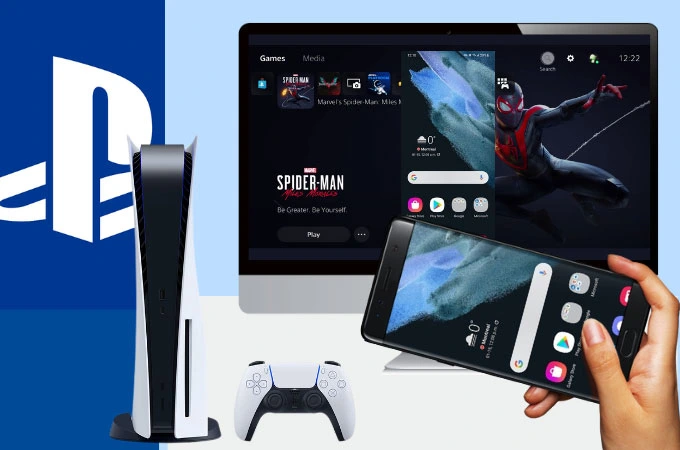
In 2025, the PS5 offers more than just next-gen gaming — it also allows you to use your smartphone as a second screen. This is perfect for checking game maps, chatting with friends, or even streaming gameplay while keeping your main TV free. For Moroccan gamers, this feature is especially useful in small spaces or shared households.
1. Requirements
Before setting up, make sure you have:
- A PS5 console with the latest system update.
- A smartphone (Android or iOS).
- Stable internet (preferably fiber or 4G+ in Morocco).
- The PlayStation App and/or PS Remote Play App installed.
2. Using the PlayStation App
- Download and install the PlayStation App from Google Play or App Store.
- Log in with your PSN account linked to your PS5.
- Enable Second Screen in the app settings.
- Connect your phone to the same network as your console.
You can now view maps, inventory, or game tips directly on your phone while playing.
3. Using PS Remote Play
For full gameplay streaming:
- Install the PS Remote Play App.
- Enable Remote Play in your PS5 settings (Settings → System → Remote Play).
- Pair your device by entering the code displayed on your console.
This lets you play PS5 games directly on your phone — great for when your TV is in use.
4. Tips for Best Performance in Morocco
- Use fiber internet for minimal lag.
- Lower resolution to 720p if playing on mobile data.
- Pair a DualSense controller via Bluetooth for better control.
Conclusion
Using your phone as a second screen for PS5 is simple and opens up new ways to enjoy your console. Whether for convenience, streaming, or multitasking, Moroccan gamers can set this up in minutes. For DualSense controllers, mobile stands, and gaming accessories, check Zonetech.ma for local deals.
